67/100Does Not Reproduce
YouTube·Tutorial·
OpenAI API Python Code Walkthrough (Line by Line Explained)
by KodeKloud
View original on YouTube →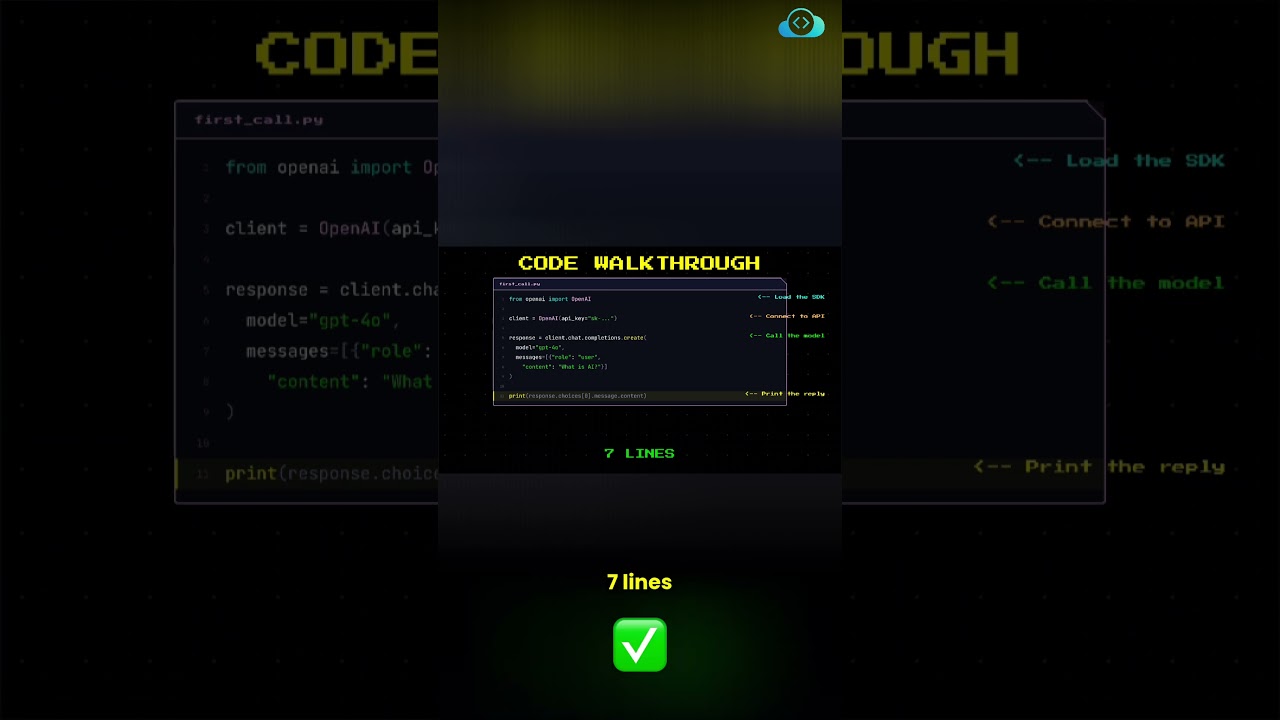
Summary
This video explains how to use the OpenAI SDK to interact with the OpenAI API. It walks through the code line by line, explaining what each line does, and shows how to add temperature to the API call.
BeginnerAPI DevelopmentCoding AssistantsPrompt Engineering
Tools Discussed
OpenAI API
Tutorial shows straightforward implementation and usage
Score Breakdown
Raw score: 67= 67/100
Automated Verification
40 / 40Prompt Test—
Code Execution10
Link Validation—
Tool Claims Check8
Version Accuracy—
AI Quality Analysis
20 / 40Originality2
Specificity6
Completeness4
Value Density5
Honesty Limitations3
Model: anthropic/claude-sonnet-4
Context Signals
7 / 20Freshness6
Author Track Record1
Genuine Engagement0
Verification Tests
PASSCode Execution13005ms
Creator claimed: This code loads the OpenAI SDK, connects to the API, calls the model, and prints the reply.
Verification result: The output shows a complete AI-generated response about artificial intelligence, demonstrating that the code successfully loaded the OpenAI SDK, connected to the API, called the GPT-4o model, and printed the reply as claimed.
FAILCode Execution455ms
Creator claimed: Adding temperature=0 to the API call will result in the same answer every time you run it.
Verification result: Test did not produce the expected result
FAILCode Execution643ms
Creator claimed: Changing temperature to 1 will give a different answer every run.
Verification result: Test did not produce the expected result
PASSTool Claims Check8302ms